
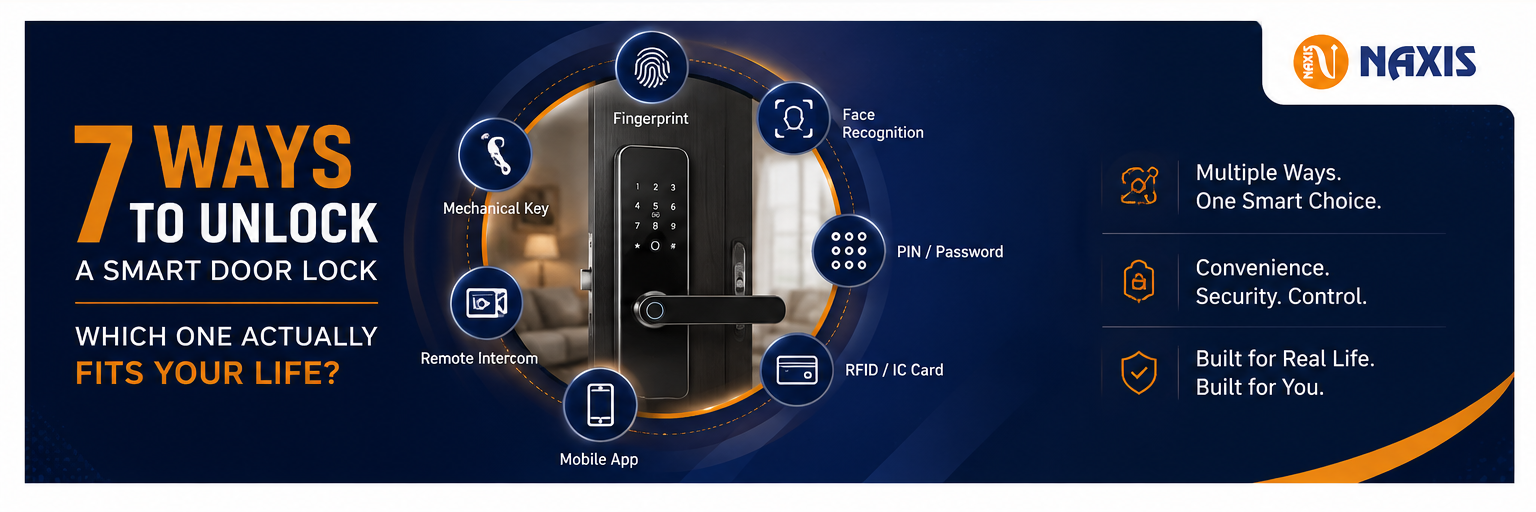
7 Ways to Unlock a Smart Door Lock - Which One Actually Fits Your Life?
Ask five smart lock owners which unlock method they use most, and you'll probably get five different answers. That's because a modern smart lock isn't built around just one unlocking method. Instead, it offers multiple ways to access your home, ensuring you always have a convenient option, no matter the situation.
Here's a simple breakdown of each unlock method and when it works best.
1. Fingerprint – The Everyday Choice
Fingerprint unlocking is the method most people use daily. It unlocks the door in less than a second, requires no keys or passwords, and works even if your hands are slightly wet or dusty on most modern sensors.
For a typical family, storing around 100 fingerprints is sufficient. Larger homes, offices, hostels, or PG accommodations may require locks that support 300 or more fingerprints.
2. Face Recognition – Perfect When Your Hands Are Full
Imagine carrying grocery bags, holding your child, or balancing your phone while reaching the door. This is where 3D face recognition becomes incredibly useful.
It provides completely hands-free access and is designed to complement fingerprint unlocking rather than replace it.
3. PIN or Password – Great for Guests and Temporary Access
PIN codes are ideal when you want to give someone access without sharing keys.
Whether it's a relative staying for a few days, a housemaid, cook, babysitter, or maintenance worker, you can create a temporary password that can later be changed or removed easily.
No app installation or technical knowledge is required.
4. RFID or IC Card – Simple for Everyone
Not everyone is comfortable using smartphones or biometric authentication.
RFID cards are an excellent option for elderly family members, children, domestic staff, or anyone who prefers simply tapping a card to unlock the door.
It's one of the easiest and most reliable access methods.
5. Mobile App Control – Unlock from Anywhere
One of the biggest advantages of a smart lock is remote access.
Using the mobile app, you can unlock your door for deliveries, family members, or service technicians even when you're away from home.
Whether you're at work, traveling, or in another city, you remain in control of your home's access.
6. Remote Video & Two-Way Intercom – See Before You Unlock
Premium smart locks come with an integrated camera and two-way communication.
Before unlocking the door remotely, you can see who's outside, talk to them, and verify their identity.
This feature is especially valuable for elderly parents living alone or for safely handling deliveries without opening the door.
7. Mechanical Key – The Essential Backup
Every reliable smart lock should include a traditional mechanical key.
Although it's rarely needed, it serves as an emergency backup in case of battery failure or any unexpected situation.
If a smart lock doesn't provide a mechanical key, consider it a major warning sign.
Which Combination Should You Choose?
For most Indian homes, the ideal combination includes:
- Fingerprint Unlock
- Mobile App Control
- PIN Password
This setup comfortably handles almost every daily situation.
If you want a completely hands-free experience, choose a model with 3D Face Recognition.
If your family includes elderly members or people who prefer simpler technology, RFID cards are a valuable addition.
Most importantly, always ensure the smart lock includes a mechanical key backup for complete peace of mind.
Our Recommendation
Our A05 Smart Lock and A02-U Smart Lock are designed with all seven unlocking methods in one device. Whether you prefer fingerprint, face recognition, PIN, RFID card, mobile app, remote video unlocking, or the mechanical key backup, you'll always have the right way to access your home—securely and conveniently.